
Designing Loading in Product UIs: Spinners vs Skeletons vs Optimistic UI (When Each Is Right)
Hannah Lincoln-Abbott

Designing Loading in Product UIs: Spinners vs Skeletons vs Optimistic UI (When Each Is Right)

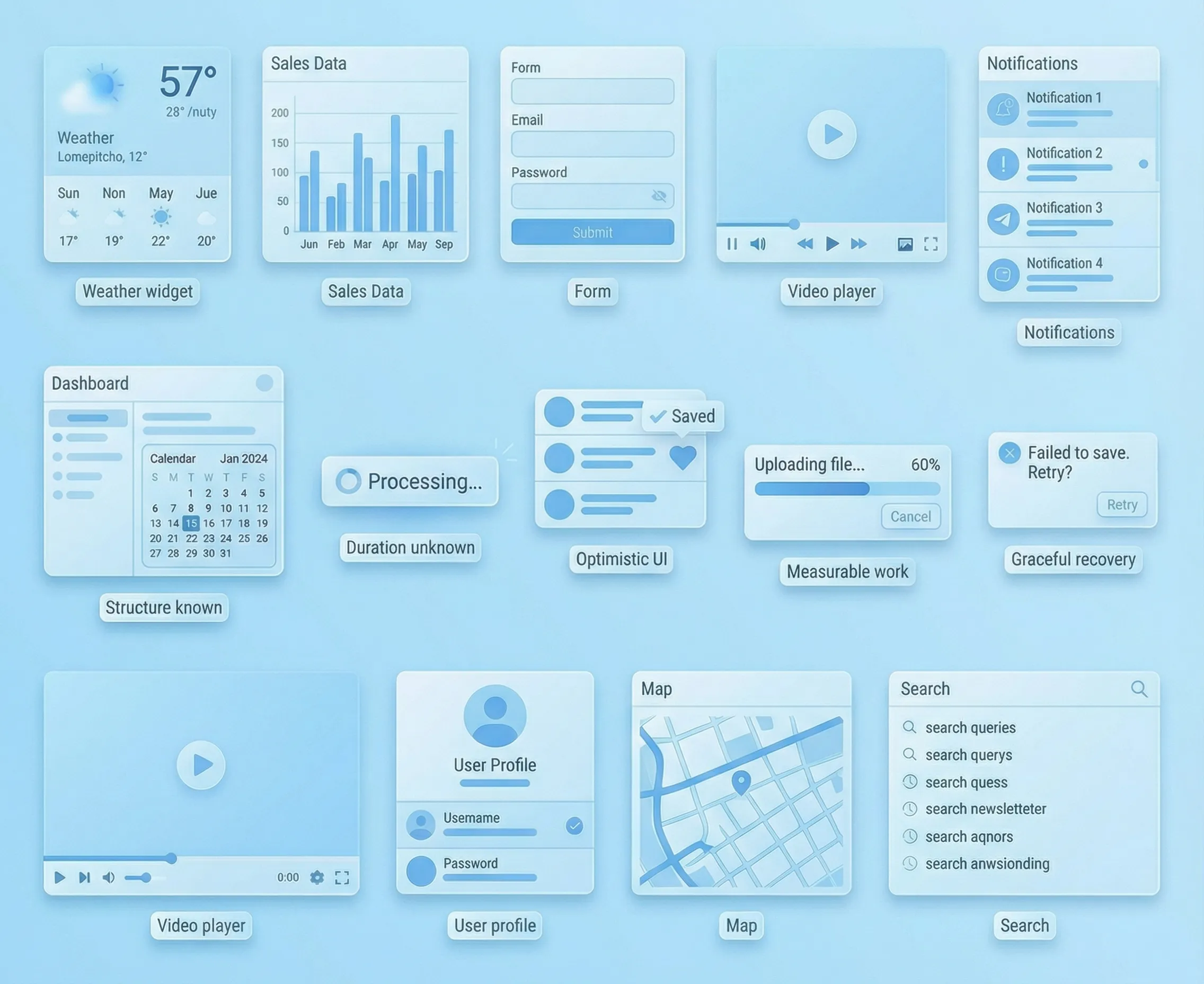
Loading is a UX surface. People don’t rage at “waiting” as much as they rage at uncertainty. If you want your UI to feel calm, fast, and expensive, pick the loading pattern that answers the user’s real question in that moment: Did it register? Is it working? Am I safe to keep going? The 4-variable decision (use this every time) Duration: instant, short, long Predictability: do we know what will show up (shape) and ro...
Read more

Microinteractions That Feel Premium (Without Getting Slow)
Hannah Lincoln-Abbott

Microinteractions That Feel Premium (Without Getting Slow)

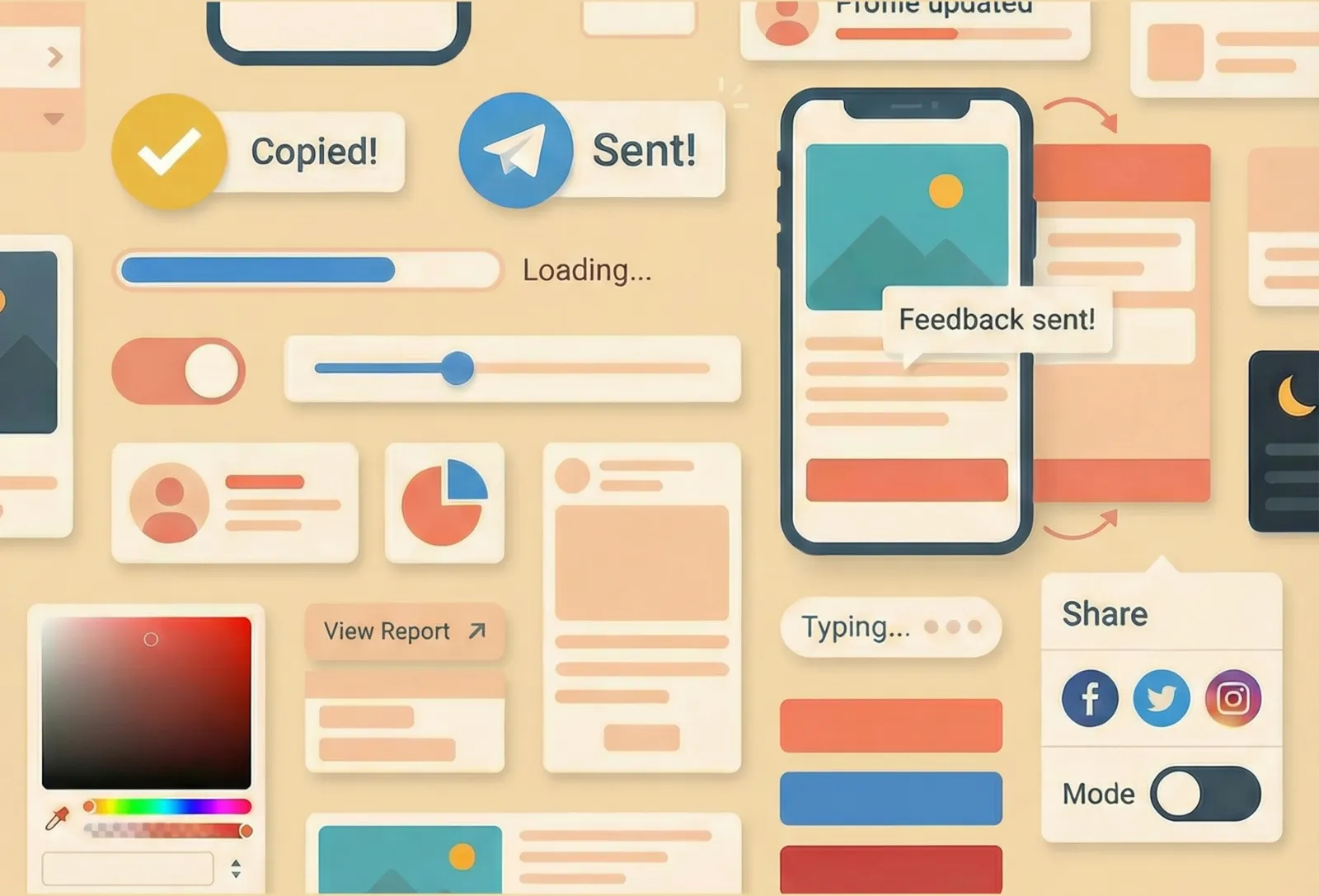
Premium isn’t more animation. Premium is confidence: every tap, click, and change in the interface feels acknowledged, intentional, and calm. Microinteractions are the tiny moments that create that confidence—button states, inline validation, “Copied” feedback, progress indicators, subtle transitions. Done well, they make a product feel polished. Done badly, they make it feel laggy, noisy, or weirdly fragile. This ...

Read more

UX Simple: 7 Choices That Make a Site Feel Effortless
Hannah Lincoln-Abbott

UX Simple: 7 Choices That Make a Site Feel Effortless

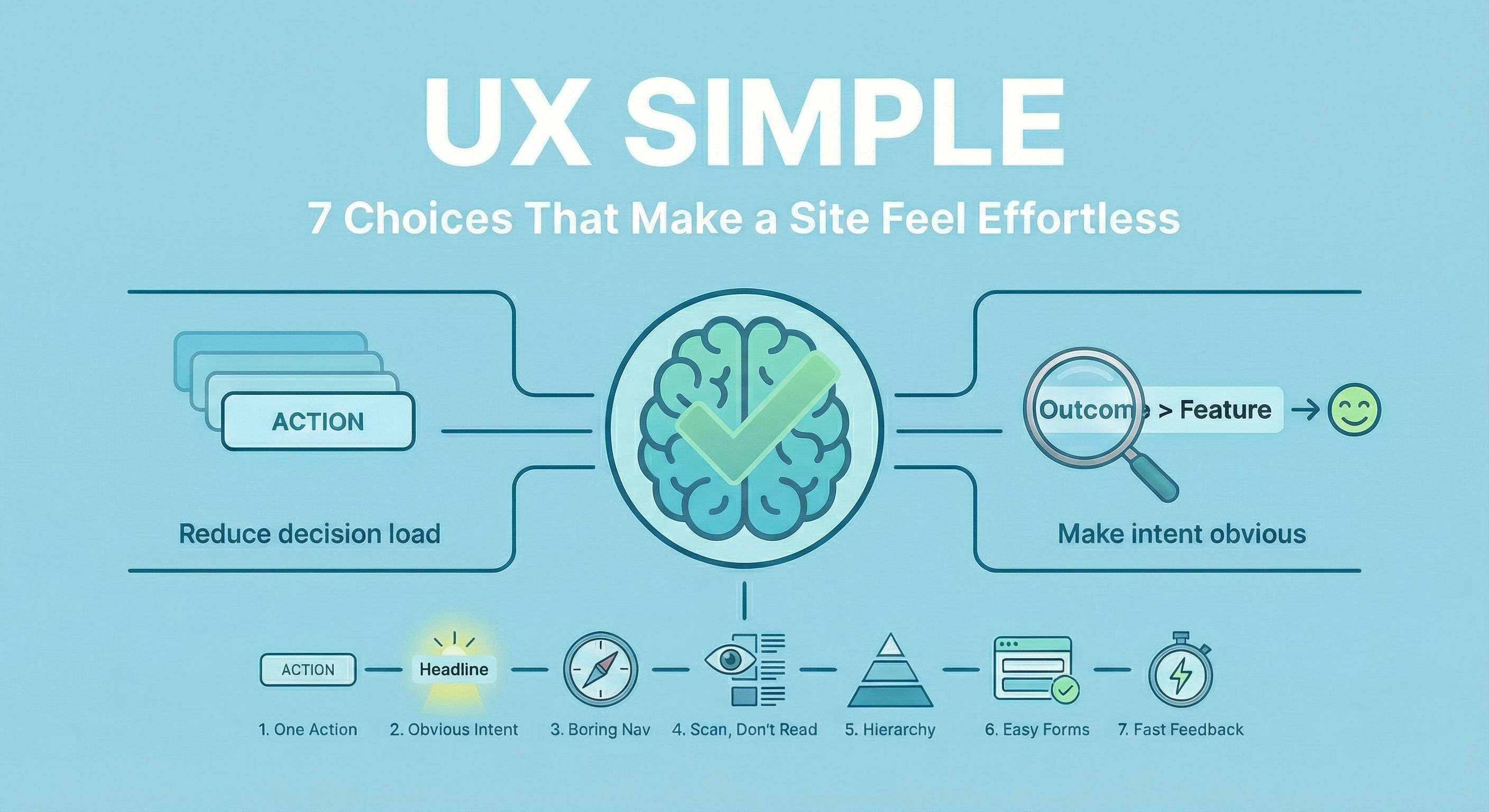
“Effortless” isn’t a vibe. It’s what happens when you reduce decisions, make intent obvious, and give fast feedback. Below are 7 choices you can audit quickly. Each one includes a single source link so you can go deeper if you like what you see! 1. Reduce decision load: one primary action per screen Every extra “option” is a tiny tax on the user’s brain. Your job is to make the next step feel inevitable. Do this Choos...

Read more

CSS Examples: 16 Animations, Effects and Snippets
Edoardo L'Astorina

CSS Examples: 16 Animations, Effects and Snippets

You’re probably wondering what you can and can’t do with CSS. The answer? You can do a lot. From loading animations to button micro interactions that make UX a breeze, from progress bars to smooth animated hamburger menus and from Google Maps-style markers to Post-it animations, CSS3 used correctly will deliver a fantastic user experience and will use browser optimiz...

Read more

Chrome Android address bar color: a step by step guide
Edoardo L'Astorina

Chrome Android address bar color: a step by step guide

Ever wanted to make the experience for your mobile users more personal and branded? Have you ever noticed how the Chrome Android address bar color sometimes changes to match a site's palette? Do you want that for your site? It's easy to do. To let your users experience the color of your brand, blog or e-commerce site in a much more personal way on Android, all you need is a si...

Read more